
Online Safety Tips for Nigerians: 12 Habits That Block Most Attacks (2026)

Last updated: 14 October 2026. No habit makes you completely safe, but these block most everyday attacks. We rewrote this guide into a short, practical checklist.
Most hacks and scams do not need clever technology. They rely on weak passwords, rushed clicks and oversharing. Twelve habits, grouped into four areas, will protect you from most of them.
Accounts
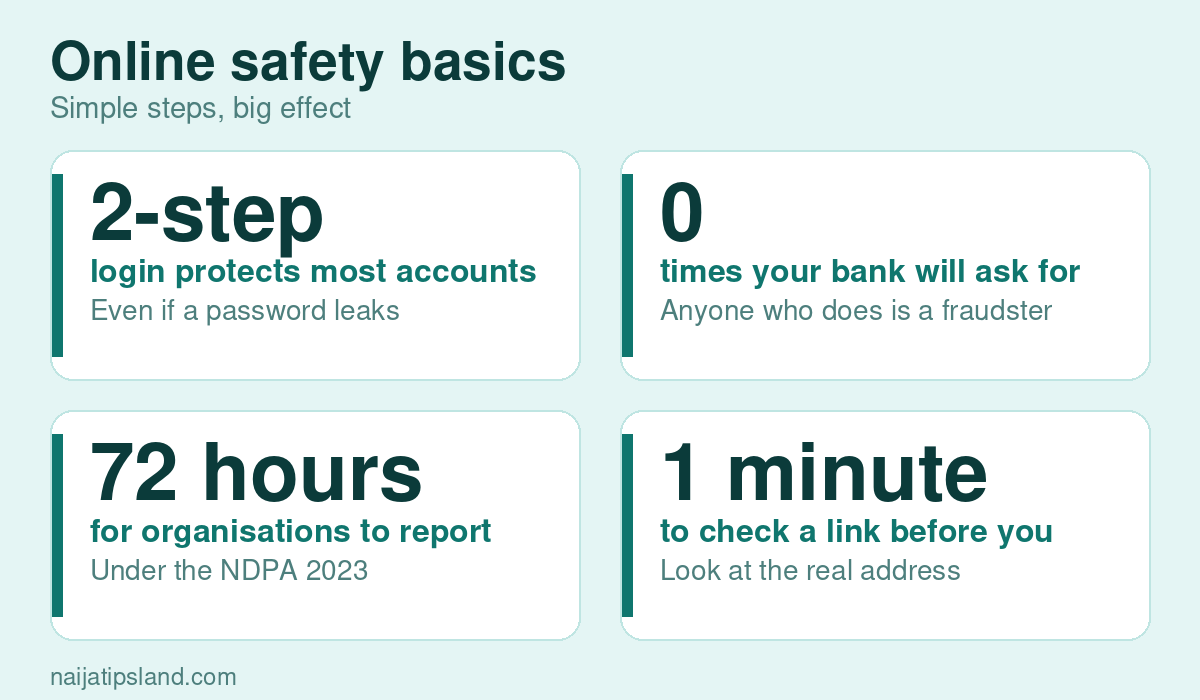
- Use a different strong password for each important account. A long phrase of several random words is better than a short complicated word. A password manager can store them.
- Turn on two-step login for email, banking, social media and mobile money, ideally with an authenticator app rather than SMS.
- Protect your email most of all. Anyone who controls your email can reset your other passwords.
Messages and links
- Pause before you click. Check the real web address, not the name in the message. Type your bank’s address yourself.
- Never share OTPs, PINs or passwords, even with “staff”. Your bank will not ask for them.
- Verify urgent requests from “friends” or “bosses” by calling them. See our guide on WhatsApp scams.
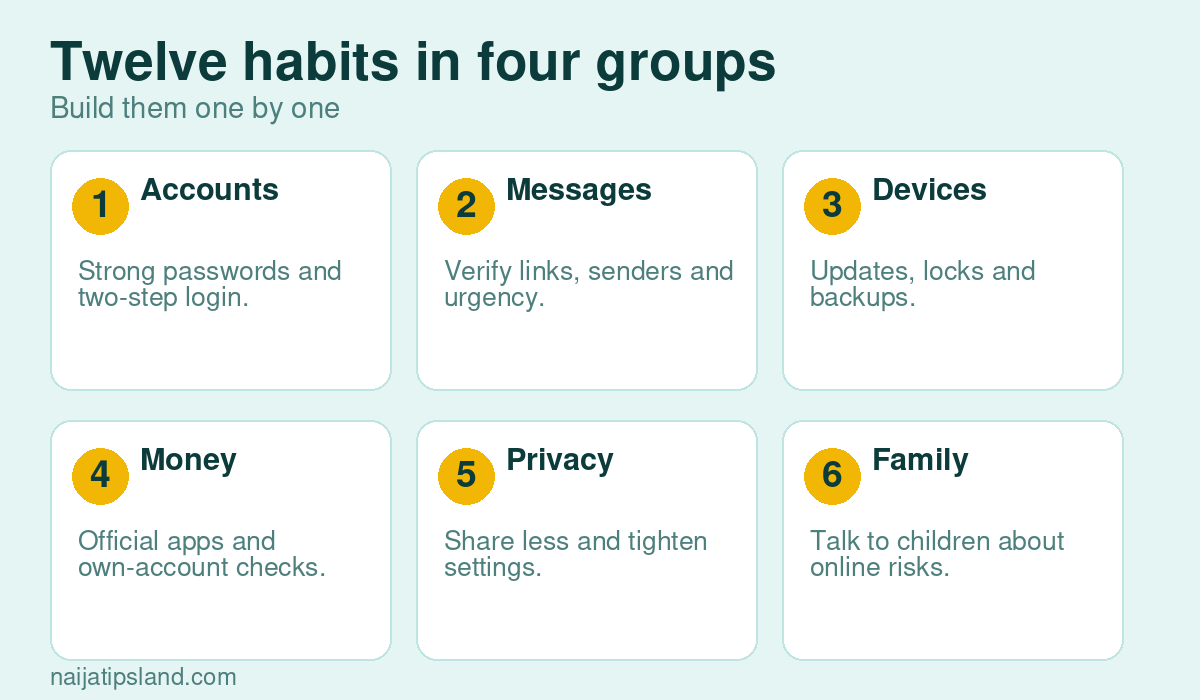
Devices
- Keep devices and apps updated, and install apps only from official stores.
- Lock your phone with a PIN or biometrics, and enable find-my-device tools.
- Back up important files, and avoid public Wi-Fi for banking. Use mobile data instead.
Money and privacy
- Use official banking and wallet apps, set transaction limits and enable alerts. Confirm credits in your own app before releasing goods. See our guides on POS fraud and fintech apps.
- Share less. Do not post ID cards, boarding passes, card photos or location in real time. Review privacy settings and app permissions. See data privacy and digital identity.
- Talk to your family. Children and older relatives are often targeted. Explain scams, set rules and encourage them to ask before they click or pay. See our guide on cyberbullying.
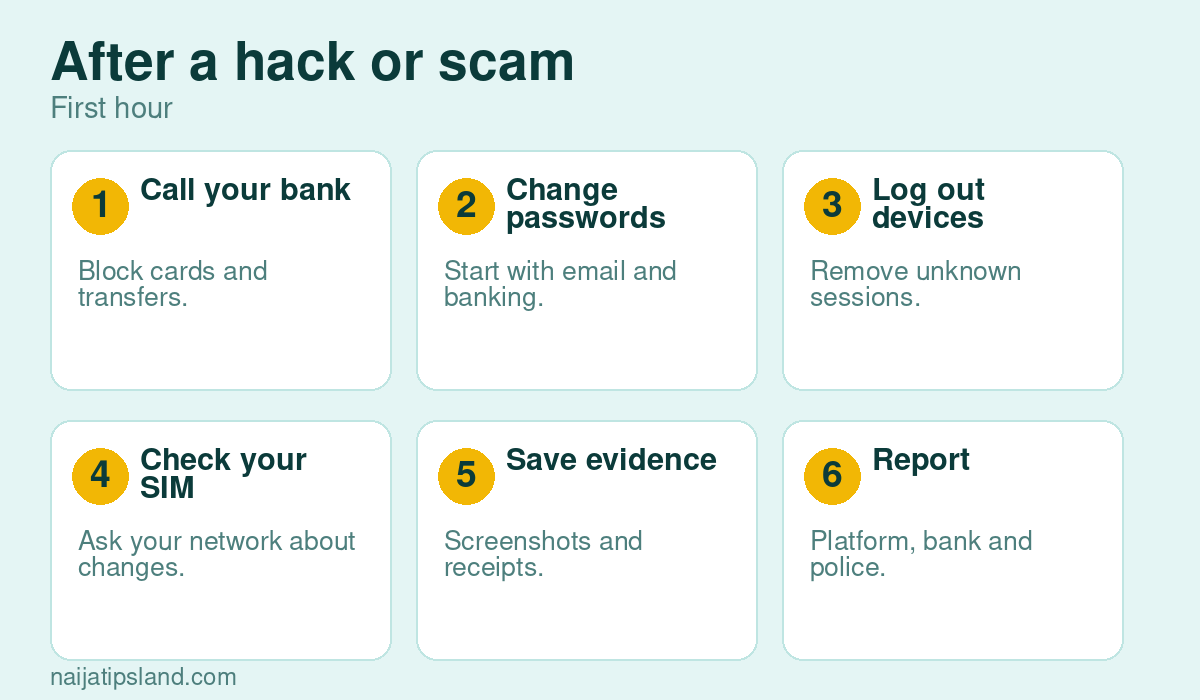
If something goes wrong
- Call your bank and block cards and transfers immediately.
- Change passwords, starting with email, and log out all devices.
- Check your SIM status with your network.
- Save evidence and report to the platform, your bank and the police or EFCC. See cybercrime laws and internet scams.
Why it matters
Organisations are also under pressure: under the Nigeria Data Protection Act, they must report serious breaches within 72 hours, but your own habits are your first line of defence. For workplace skills, see our digital skills checklist and our guide on why cyber security matters.
Short Examples of Phishing Messages
These are made-up examples that show common patterns. Real scams change wording often, but the tricks stay the same.
- The urgent bank message: “Your account will be blocked in 24 hours. Click here to verify.” The link leads to a fake page. Your bank does not threaten you with links.
- The delivery message: “Your parcel is held, pay a small fee.” It asks for card details.
- The friend in trouble: a WhatsApp message from a known contact asking for emergency money. The account may have been taken over, or the voice may be cloned. Call the person on a number you already have.
- The prize: “You have won data or cash, share your details.” Genuine prizes do not ask for OTPs or BVN.
Mobile Money and Banking Safety
- Set daily transfer limits that suit your needs, and enable transaction alerts.
- Never let anyone use your phone to “help” with a transfer, and cover your PIN when you type it.
- Confirm credit alerts in your own app before you release goods or services.
- Log out of banking apps on shared devices, and never save passwords on public computers.
Home Wi-Fi and Device Checklist
- Change the default router password and name, and use the strongest encryption your router offers.
- Keep the router firmware updated, and switch off features you do not use.
- Add a screen lock to every device and keep a list of devices on your network.
- Back up photos and important files to a second place.
Protecting Children and Older Relatives
Sit with them and set up two-step login and privacy settings, teach them the “call first” rule for money requests and agree that they will tell you if something frightens or confuses them. Keep the conversation calm so that they do not hide problems.
A 10-Minute Safety Audit
- Turn on two-step login for email, banking and social media.
- Check which apps have access to your contacts, camera and location.
- Update your phone and apps.
- Remove saved card details you do not need.
- Review your privacy settings and who can see your posts.
Safe Habits for Money Apps
- Use transaction limits and alerts.
- Never share your PIN, OTP or recovery phrase.
- Confirm credit alerts in your app, not just via SMS.
See internet scams and SIM swap fraud.
Frequently Asked Questions
What is two-step login?
A second proof of identity, such as a code from an app, in addition to your password.
Is public Wi-Fi safe?
It can be risky. Avoid banking on it and use mobile data for sensitive activity.
How do I know a link is safe?
Check the real address, do not trust urgent messages and type known websites yourself.