
Best Fintech Apps in Nigeria 2026: OPay, PalmPay, Moniepoint and Kuda Compared

Last updated: 13 October 2026. This is an informational comparison, not an endorsement, and we have no commercial relationship with any company named. Licences, fees and limits change, so verify details in each app and with the regulators. An earlier version of this page did not match its title, so we have rewritten it.
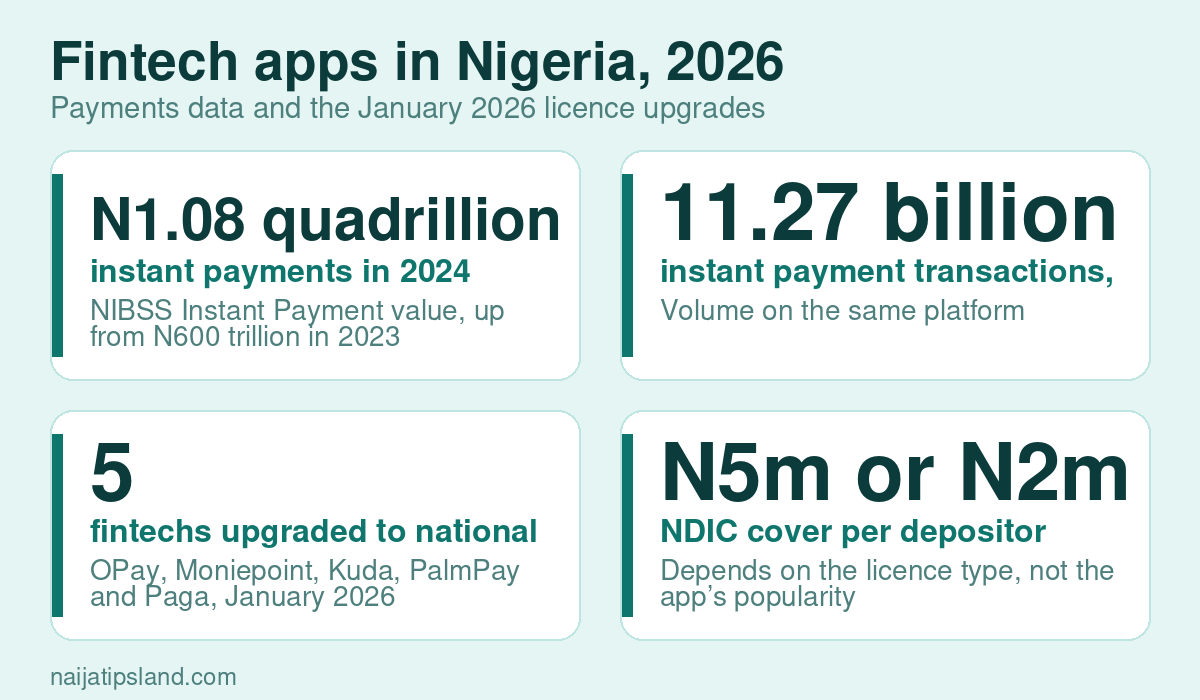
Ask ten Nigerians which app they use for money and you will hear OPay, Moniepoint, PalmPay and Kuda more than any bank name. They have changed how people pay, save and run small businesses, and the numbers show why: the NIBSS Instant Payment platform processed about ₦1.08 quadrillion across 11.27 billion transactions in 2024, according to NIBSS and the CBN. But popularity is not the same as safety, and “best” depends on what you need. This guide compares the four on the facts that matter most.
Why the licence matters more than the logo
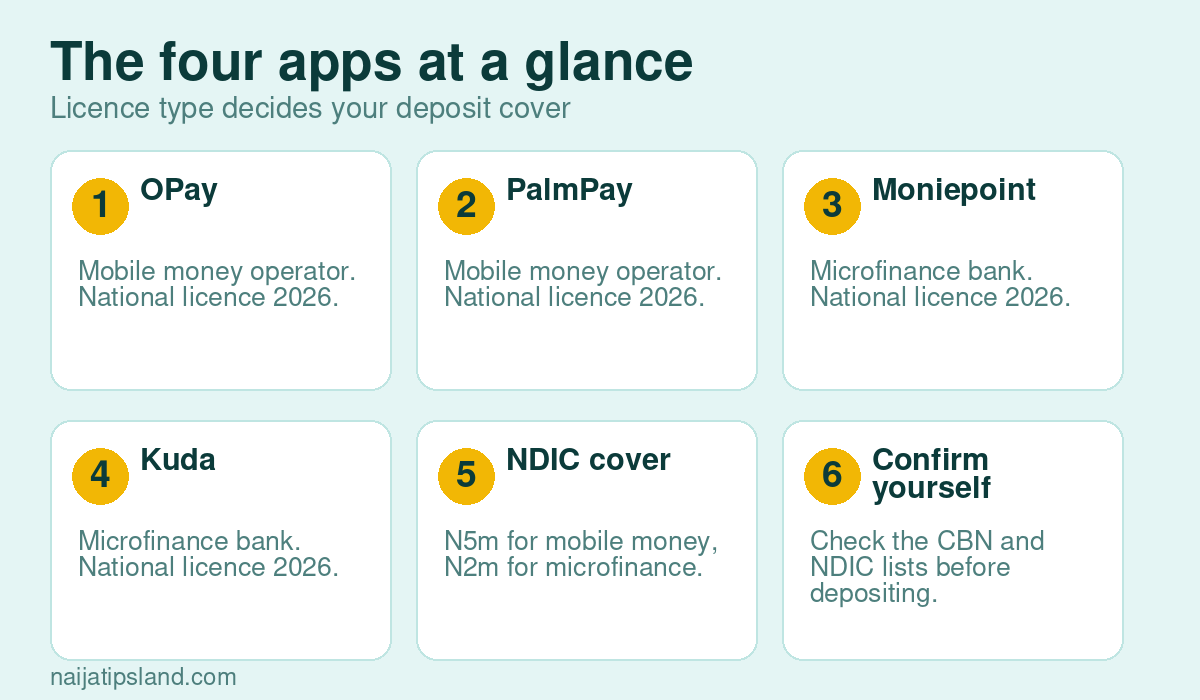
Many people call these apps “banks”, but they are licensed in different categories, and that determines how your money is protected. According to the NDIC, deposits are insured up to ₦5 million per depositor in deposit money banks and mobile money operators, and up to ₦2 million in microfinance banks, primary mortgage banks and payment service banks. OPay and PalmPay are licensed as mobile money operators, while Kuda and Moniepoint operate through microfinance banks, according to guides that track their licences, so the cover differs even though the apps look alike. Always confirm the current position on the CBN and NDIC lists.
The four at a glance
- OPay: a mobile money operator with a large user base, known for payments, transfers and everyday services.
- PalmPay: also a mobile money operator, with wallet, transfer and bill payment services.
- Moniepoint: operates through Moniepoint Microfinance Bank, and is best known as the platform behind many POS agents and small businesses. One review reports more than two million business customers.
- Kuda: a microfinance bank that offers a digital account with a consumer focus.
In January 2026, a CBN director told a conference in Lagos that the central bank had upgraded OPay, Moniepoint, Kuda, PalmPay and Paga to national licence status. That means they can operate across all 36 states and the FCT. It came with tougher requirements: national microfinance banks must hold at least ₦5 billion in capital, keep physical offices for customer support and dispute resolution, and meet stronger oversight standards. The CBN stressed that the upgrade does not turn them into commercial banks.
A reminder of why checks matter
In April 2024, the CBN directed PalmPay, OPay, Kuda and Moniepoint to stop onboarding new customers while it dealt with compliance issues, as reported by industry guides. Existing customers could keep using their accounts, and the restrictions were later lifted, but it shows that even the biggest names can face regulatory action. Spreading your money across more than one provider, and keeping a normal bank account, is a sensible precaution.
How to choose
- Everyday spending and transfers: look at reliability, fees on transfers, and how easy it is to reach support.
- Business and POS use: look at settlement time, charges, terminals and customer service. Our guides to starting a POS business and avoiding POS fraud explain the rules.
- Savings: check how interest works, whether your money is locked and the NDIC limit. Our saving guide covers where to keep money safely.
- Large balances: do not keep more than the insured limit in any single institution.
Protect yourself
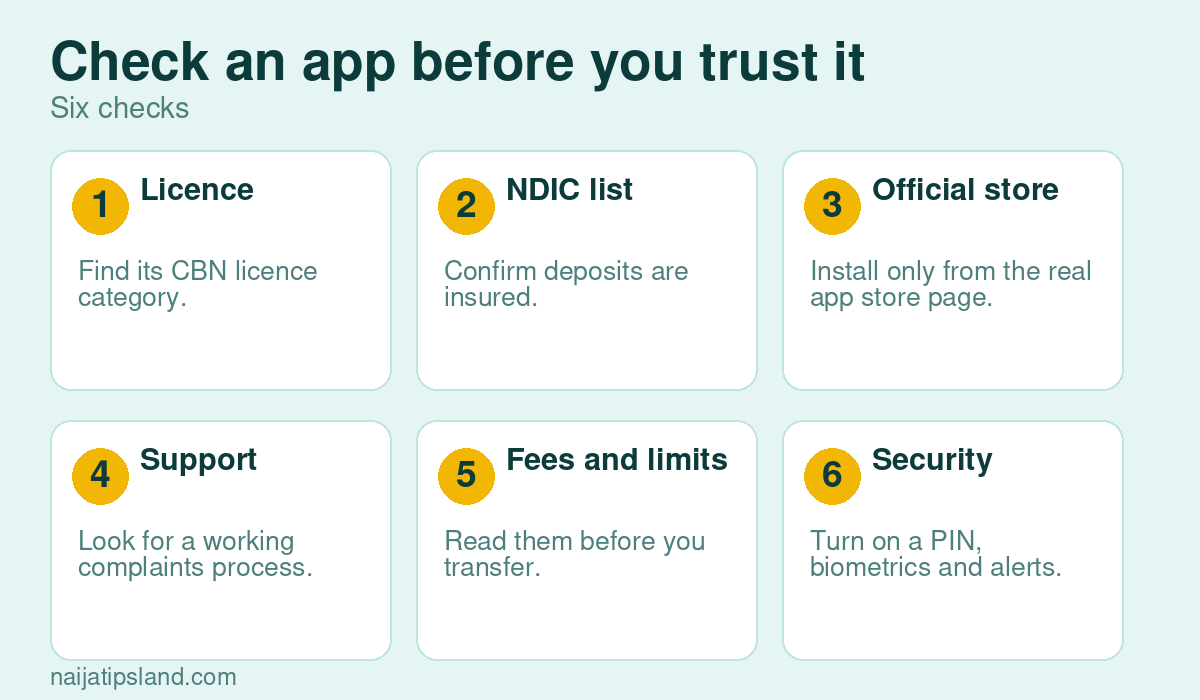
- Download only from the official app store listing, and beware of fake apps and cloned websites.
- Never share your PIN, OTP or card details, and ignore messages that claim to be from the app on WhatsApp or SMS. See our guide on WhatsApp scams.
- Turn on transaction alerts, biometric login and a transaction PIN.
- Check your balance in your own app before you release goods when someone says they have paid you.
- If something goes wrong, contact the provider first, keep references, then escalate to the CBN’s consumer protection channels.
Fintech and the wider rules
If you borrow through any app, make sure the lender is approved by the FCCPC, and read our guide to common money mistakes. For how fintech fits into the economy, see what fintech is and our report on the digital economy.
A Simple Comparison Checklist
Before you commit, put each app through the same test:
- Licence: is it a mobile money operator, a microfinance bank or something else, and is the licence current?
- Deposit cover: is it on the NDIC list, and what is the limit?
- Fees: transfer charges, withdrawal charges and any monthly fees.
- Limits: how much you can send and hold at your verification level.
- Support: chat, phone and a physical office for disputes, which the CBN now requires of national microfinance banks.
- Features: savings, cards, bill payments, business tools or lending.
Three Example Users (Hypothetical)
- A market trader who takes transfers all day cares about reliable settlement, receipts and a POS or business account, and should keep proof of every payment.
- A salaried worker mainly wants smooth bill payments and a safe place to save, and may prefer to keep the salary in a bank and use an app for small spending.
- A student wants low fees and easy transfers, and should use a spending limit and avoid loan prompts.
If a Transfer Goes Wrong
- Take a screenshot of the debit alert, the reference number and the recipient’s details.
- Report it through the app’s support channel straight away.
- Ask for the transaction to be traced or reversed, and note the ticket number.
- If it is not resolved within the stated time, escalate in writing and use the CBN’s consumer complaint channels.
- Do not pay anyone who offers to “recover” the money for a fee.
What a National Licence Does and Does Not Mean
A national licence lets an institution operate in every state and the FCT, and comes with higher capital requirements, stronger governance and the duty to keep physical offices for customer support and disputes. It does not make the company a commercial bank, and it does not change the NDIC limit on your deposit. It also does not guarantee a flawless service, so you still need to check fees, limits and support for yourself.
Using These Apps for Business
- Confirm your account type: personal accounts are not meant for large commercial volumes, and business accounts have different limits and charges.
- Reconcile your transfers with your sales records daily.
- Keep a second account with another provider so one outage or restriction does not stop trade.
- Know your tax position. See our guides on registering a business name and VAT.
Frequently Asked Questions
Which fintech app is the best in Nigeria?
There is no single best. Choose by licence, reliability, support and the services you need, and spread risk across providers.
Are fintech apps safe?
Licensed ones are regulated by the CBN and many are covered by the NDIC up to set limits, but you still need to protect your login and avoid scams.
Is my money insured in a fintech app?
It depends on the licence. Mobile money operator deposits are covered up to ₦5 million per depositor and microfinance bank deposits up to ₦2 million, according to the NDIC, provided the institution is on the insured list.
What does a national licence mean?
It means the institution is authorised to operate in every state and the FCT and must meet higher capital and oversight standards.
Sources
- Leadership: E-payments hit N3.46 quadrillion, CBN 2025 report (with NIBSS 2024 figures)
- Techeconomy: CBN, Moniepoint, PalmPay, Paga and others now operate with national licences
- IT Edge News: CBN upgrades licences of Kuda, OPay, Moniepoint and PalmPay to national status
- Blueprint: CBN grants OPay, Moniepoint national licences, tightens grip on fintechs
- Brands.ng: Top digital banks in Nigeria, licence types and deposit cover
- The Guardian: N5m deposit cover protects 98% of bank customers, says NDIC
Related: How to check that a bank, fintech or loan app is licensed in Nigeria