Best Free AI Video Generators for Nigerians (2026): What Is Really Free, Limits and Watermarks

Last updated: 29 October 2026 · By Naijatipsland Editorial Team · Editorial policy
AI video tools can turn a sentence or a photo into a short clip, which is tempting for Nigerian creators, small businesses and students with a phone and little budget. The catch is that “free” changes constantly: some tools give daily credits, some give one-time trials, and many add watermarks or ban commercial use. This guide sorts the main options by what their free plans reportedly offer, the limits to expect and how to use them responsibly. Checked 29 October 2026. Free tiers change often and can differ by country, so confirm each allowance inside the app before you plan a project. The figures below come from the tools’ own pages and comparison sites, which sometimes disagree, so treat them as a guide.
What “free” usually means
- Daily credits that refresh: best for steady practice, but one clip can eat much of a day’s allowance.
- One-time trial credits: they run out and do not come back.
- Free editing, paid generation: editors like CapCut are free to edit, but AI features may spend credits.
- Run it on your own computer: open models can be unlimited, but need a powerful graphics card most people do not have.
The main free options
Google Flow (Veo)
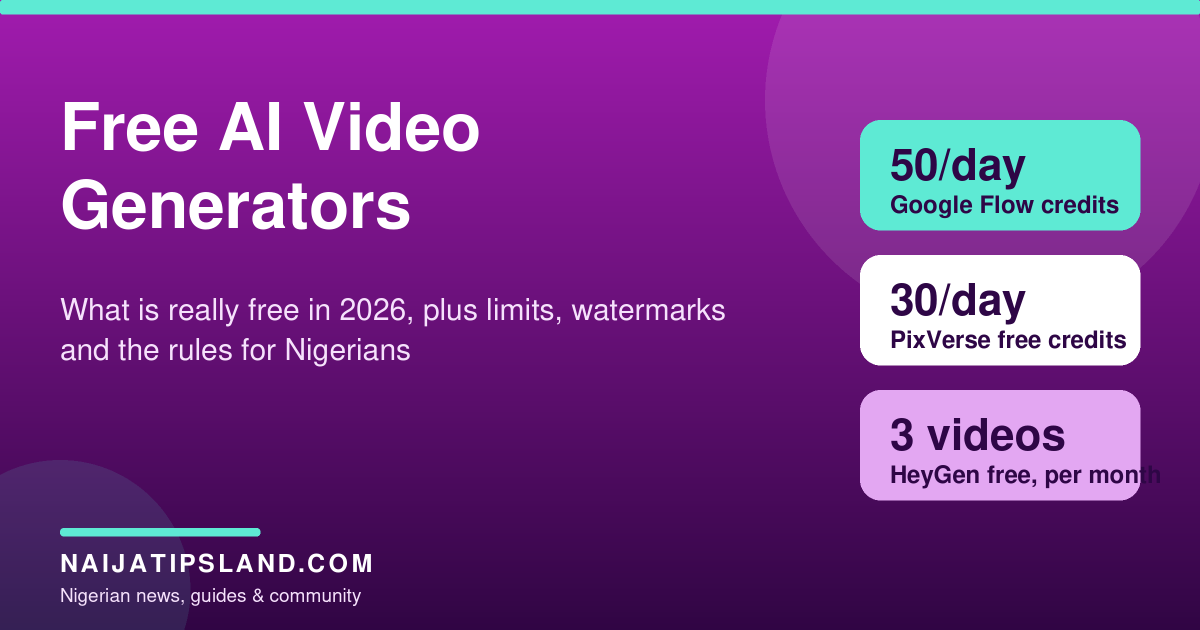
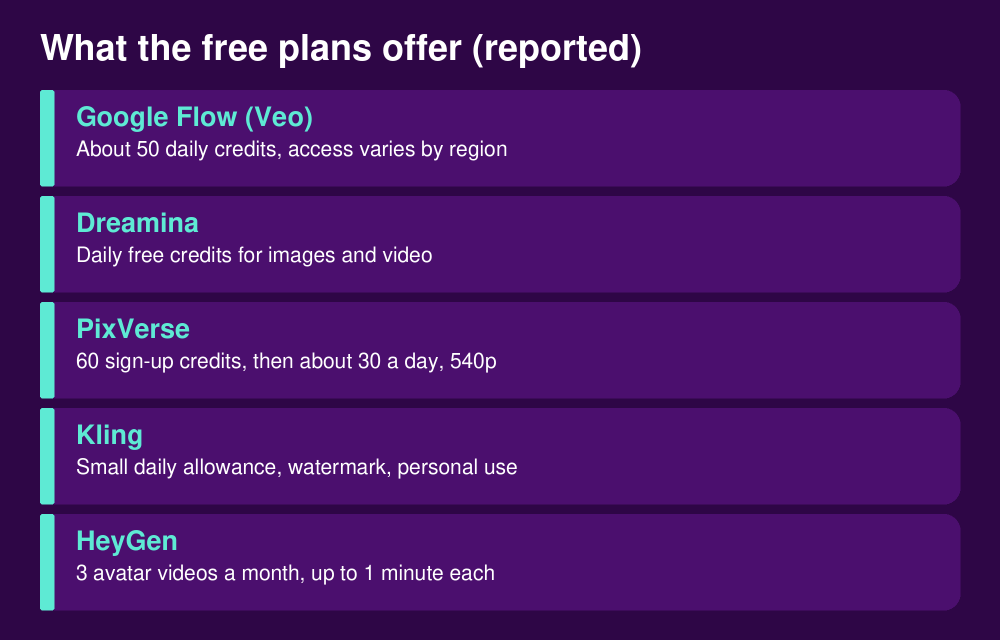
Google’s support guidance documents about 50 daily credits for users without a subscription in Flow, which is roughly enough for a handful of short clips on the cheaper models, though costs vary by model and unused credits expire. Access can depend on your account, region and demand, so some Nigerian users may find it unavailable or slow at peak times. Google marks clips with an invisible watermark.
Dreamina (by CapCut’s owner)
Dreamina offers daily free credits for images and video and supports text-to-video and image-to-video. Comparison sites call it a good choice for regular practice, but the number of credits and which models are free change, so check your account.
PixVerse
PixVerse reportedly gives new users 60 credits and then about 30 a day, with free output limited to lower resolution (around 540p) and a watermark. Watermark-free export is a paid benefit.
Kling AI
Kling offers a small daily credit allowance, typically enough for a couple of short clips a day. Free clips carry a watermark and are for personal use; watermark removal and higher resolution need a paid plan.
Runway and Pika
Runway lists a one-time 125 credits that do not refresh, and some tests suggest the free credits no longer cover video generation. Pika’s free plan reportedly includes no monthly credits, so you buy credit packs. Both are better for paid use than for free practice.
HeyGen and avatar tools
If you want a talking presenter instead of cinematic scenes, HeyGen’s free plan reportedly allows three videos a month of up to a minute each, with limits on premium features. Some other avatar tools add a watermark or restrict commercial use on free plans.
CapCut and Canva for finishing
CapCut is free for editing, trimming, captions and music, but its AI features can spend credits. Canva’s free plan can export without a watermark when you use only free elements. Use these to finish clips generated elsewhere.
Limits that catch beginners
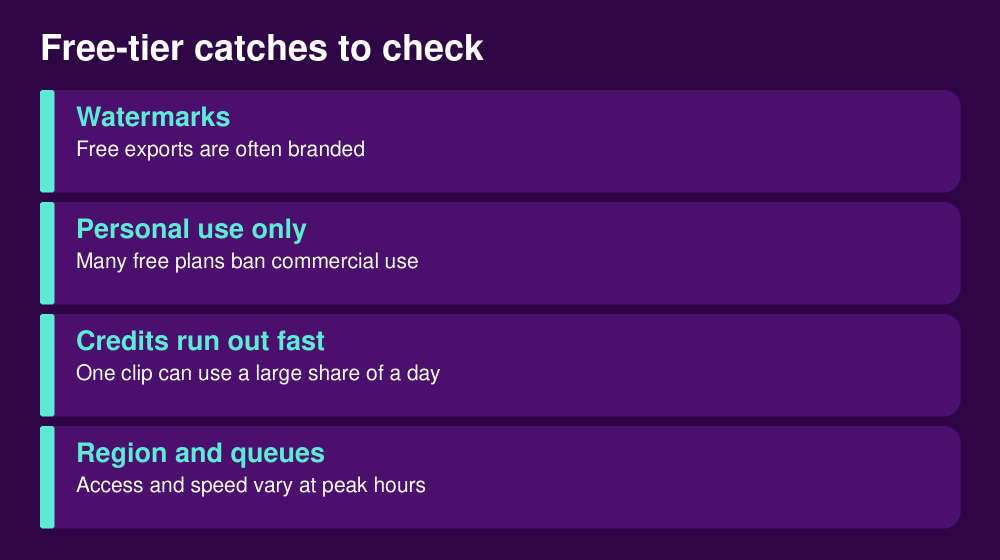
Watermarks make a clip look unprofessional, personal-use rules can stop you from posting it on a business page, and credits can vanish after two or three attempts. Queues are long at peak hours, and free clips are short, often only a few seconds. Mobile data matters too: video generation and uploads use a lot, so use wi-fi where you can.
How to get better results for free
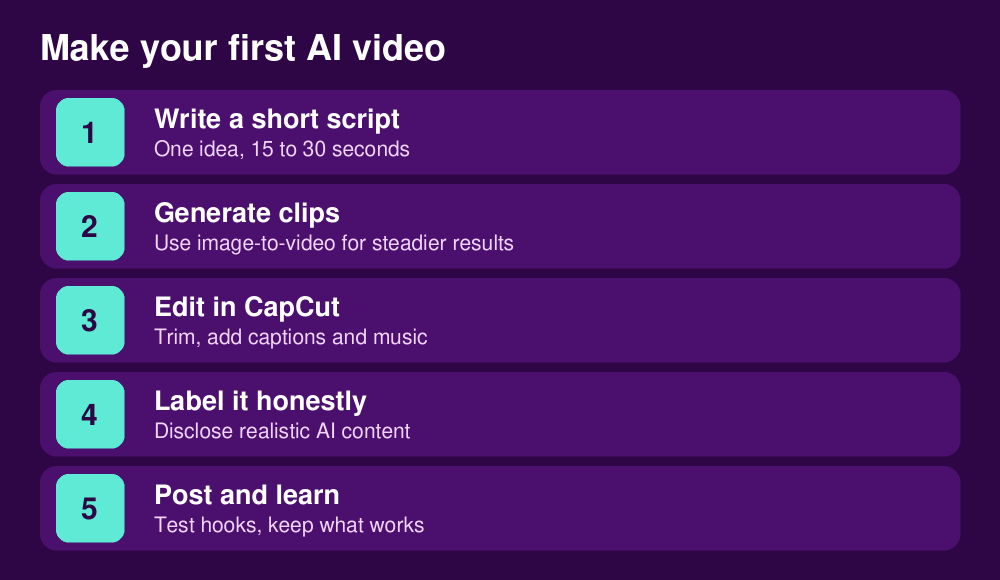
- Use image-to-video: start from a good photo or generated image, because motion from a still is steadier than text alone.
- Keep prompts simple: one subject, one action, one camera move.
- Make short clips and stitch them in an editor rather than asking for one long scene.
- Test prompts on the cheapest model first and save credits for the final render.
- Keep a note of which tool gave which result so you do not waste credits repeating.
Using AI video honestly and legally
Do not make fake videos of real people, politicians or celebrities, and do not use them to mislead voters or defraud anyone; in Nigeria and elsewhere, deepfake scams are a growing problem. Platforms such as YouTube and TikTok ask creators to disclose realistic AI-generated or altered content, so read their current rules before you post. Check each tool’s licence before you use output for a client or an ad. Our guides to making money on TikTok and starting a YouTube channel explain how monetisation and platform rules work, and you can pair AI clips with the ideas in our ChatGPT money guide for scripts.
Can you make money with free AI video?
Possibly, but not directly from free tiers with watermarks and personal-use limits. Free tools are for learning and testing. If you plan to sell videos to clients, budget for a paid plan with commercial rights, and read the terms. See our guides to UGC and earning online for realistic routes, and avoid anyone selling “AI video” courses that promise fast dollars; see our warning on internet scams.
Frequently asked questions
Which free AI video generator is best?
It depends on what you need and what is available in your region. Daily-credit tools like Google Flow, Dreamina and PixVerse are the most practical for regular practice.
Is there a free AI video generator with no watermark?
Rarely. Some tools mark clips invisibly, while most free tiers add a visible watermark. Check the exported file, not just the sign-up page.
Can I use free AI videos for business?
Often not. Many free plans are for personal use only. Check the tool’s licence first.
Do I need a powerful laptop?
No for online tools, which run in the cloud. Open models you run yourself do need a strong graphics card.
Bottom line
Use free AI video tools to learn, practise and prototype. Rotate between daily-credit services, finish clips in a free editor, label realistic AI content and check licences before you earn from the results. Re-check the allowances before you commit, because they change quickly.