

Scrolling through endless threads hoping for meaningful conversation can quickly feel tiring. With so many options, picking the right online forum makes a difference for Nigerian young adults who want reliable news, fun entertainment chats, or a sense of community whether at home or abroad. This guide offers clear steps for choosing and joining a forum that fits your interests while highlighting the importance of a credible personal profile and secure registration for safe online interaction.
Table of Contents
- Step 1: Choose The Right Online Forum
- Step 2: Register For An Account Securely
- Step 3: Set Up Your Profile Details
- Step 4: Verify Your Membership Email
- Step 5: Start Participating In Discussions
Quick Summary
| Key Point | Explanation |
|---|---|
| 1. Choose the right online forum | Research various forums to find one that matches your interests and professional goals. |
| 2. Register securely with privacy | Use a strong password and limit personal information to protect your identity online. |
| 3. Create a professional profile | Develop a profile that reflects your interests and expertise while maintaining privacy. |
| 4. Verify your membership promptly | Check your email and complete verification quickly to gain full access to the forum. |
| 5. Engage respectfully in discussions | Contribute thoughtfully and observe forum etiquette to build a positive online reputation. |
Step 1: Choose the Right Online Forum
Selecting the perfect online forum requires strategic thinking and understanding your specific interests and goals. Different forums cater to unique communities, so identifying the right platform can dramatically enhance your online interaction and information gathering experience.
Research various forums by exploring their focus areas, user demographics, and conversation quality. Academic research communities offer specialized platforms where professionals and enthusiasts connect around specific topics. Consider factors like forum size, moderation standards, discussion depth, and member expertise. Some forums are broad and casual, while others maintain strict academic or professional standards.
Here’s a quick comparison of common types of online forums and their typical audience:
| Forum Type | Primary Audience | Typical Discussion Style |
|---|---|---|
| Academic | Researchers, students | In-depth, evidence-based threads |
| Technology | Developers, IT experts | Technical, problem-solving posts |
| Hobbies & Lifestyle | Enthusiasts, hobbyists | Friendly, casual conversations |
| Professional | Industry specialists | Formal, career-focused exchanges |
When evaluating potential forums, pay attention to their rules, registration process, and engagement expectations. Look for active communities with regular discussions, respectful member interactions, and clear guidelines. Check recent post frequency, member response rates, and overall community tone to ensure the forum aligns with your communication preferences and information needs.
Pro tip: Start by lurking and observing forum dynamics before actively participating to understand unwritten community norms and communication styles.
Step 2: Register for an Account Securely
Registering for an online forum account requires careful attention to security and personal information protection. Your goal is to create a credible profile that allows safe and meaningful participation in the online community.
Start by carefully selecting secure credentials that protect your personal information. Choose a strong password that combines uppercase and lowercase letters, numbers, and special characters. Most forums require a valid email address for verification, so use an email account you check regularly. When filling out profile information, share only what is necessary for the forum’s purpose and avoid revealing sensitive personal details.

Pay close attention to the forum’s privacy settings and terms of service during registration. Some specialized forums may require additional verification steps to ensure member authenticity. Create a username that maintains your privacy while allowing meaningful interactions. Read through community guidelines to understand acceptable behavior and posting protocols before completing your registration.
Below is a summary of essential security steps when registering for a new forum account:
| Security Step | Why It’s Important | Recommended Action |
|---|---|---|
| Strong Password | Prevents unauthorized access | Use complex combinations |
| Profile Privacy | Protects personal data | Limit shared personal information |
| Email Verification | Ensures account authenticity | Confirm via official platform email |
Pro tip: Consider using a dedicated email address for online forum registrations to keep your primary email account separate and more secure.
Step 3: Set Up Your Profile Details
Creating an effective online forum profile is your opportunity to establish credibility and make meaningful connections within the community. Your profile serves as your digital introduction and representation in the online space.
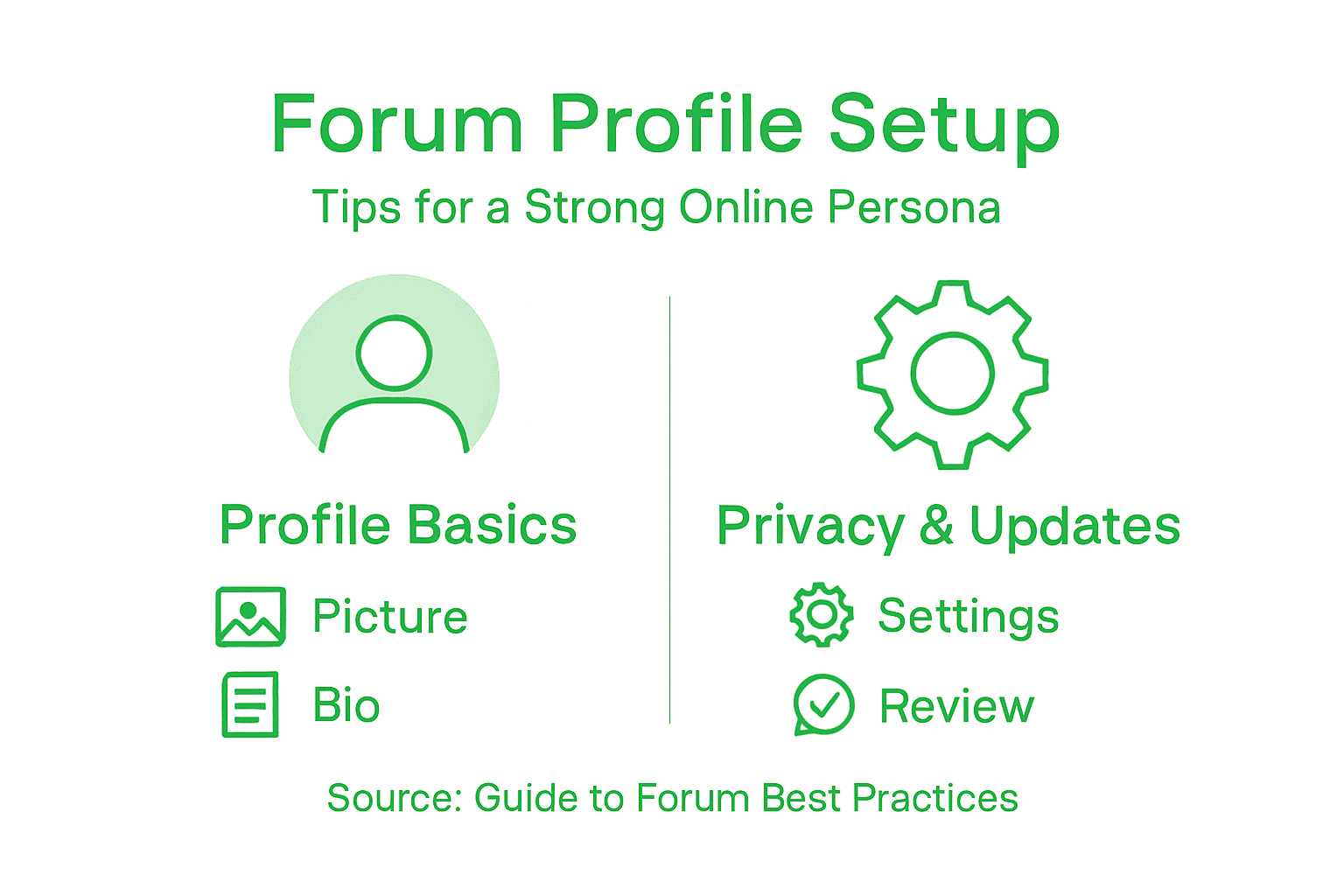
When developing your profile, focus on crafting a professional online persona that reflects your authentic interests and expertise. Choose a profile picture that is clear and appropriate professional casual. Write a concise bio that highlights your key interests, professional background, or academic expertise without revealing overly personal information. Select a username that is memorable yet maintains your privacy and reflects your online identity.
Take time to carefully review and customize your profile settings. Some forums offer advanced privacy controls that allow you to manage who can view your information and how you interact with other members. Be strategic about the details you share and ensure your profile presents a consistent and authentic representation of yourself. Consider your long term participation in the forum and how your profile can facilitate meaningful connections and discussions.
Pro tip: Update your profile periodically to keep your information current and reflect your evolving interests and experiences.
Step 4: Verify Your Membership Email
Email verification is a critical security step that ensures your account’s authenticity and unlocks full access to the online forum. This process helps protect the community from fake accounts and ensures legitimate user participation.
Check your inbox immediately after registration for the verification email from the platform. Open the email and click the verification link within a reasonable timeframe. Some forums have time sensitive verification windows that expire after 24 to 48 hours. If you do not see the email in your primary inbox, check your spam or junk mail folder. Most platforms will send a new verification link if the original expires.
After clicking the verification link, you will typically be redirected to a confirmation page indicating successful email verification. Some forums might require additional steps such as confirming your profile details or agreeing to community guidelines. Completing these steps fully establishes your membership and grants you complete access to forum features and discussions.
Pro tip: Use a reliable email address that you check regularly to avoid missing important verification and communication emails from the forum.
Step 5: Start Participating in Discussions
Engaging in online forum discussions is your opportunity to learn, share knowledge, and connect with like-minded individuals. The key is to approach conversations with respect, curiosity, and meaningful contributions.
Effective forum participation requires understanding the specific community’s culture and communication norms. Begin by carefully reading existing threads to grasp the discussion style and expectations. When you are ready to contribute, start with thoughtful comments that add genuine value. Ask questions that stimulate conversation, share relevant personal experiences, or provide insights backed by credible information. Always be respectful and constructive in your interactions.
Pay attention to forum etiquette and specific discussion guidelines. Some forums have specific rules about quoting previous messages, using appropriate language, and maintaining a professional tone. Before posting, proofread your response to ensure clarity and coherence. Remember that your contributions reflect your online reputation and can potentially create valuable professional and academic connections.
Pro tip: Observe the most respected members in the forum and learn from their communication style and engagement strategies.
Connect Effortlessly with Online Communities That Matter
Joining online forums can seem overwhelming when trying to find the right platform that combines vibrant discussion, trustworthy information, and secure participation. This article highlights key challenges like choosing suitable forums, securing your account with strong credentials, and engaging in meaningful conversations without compromising your privacy. You want a space that feels safe, lively, and relevant to your interests especially if you are seeking both news and fun.
Naijatipsland.com understands these concerns and offers a tailored forum experience specifically for Nigerians and Africans eager to stay informed and connected. Our platform makes registration simple and secure, allowing you to customize your profile and dive into discussions on politics, entertainment, sports, and more. If you are ready to be part of a fast-growing community that values your voice, explore how easy it is to join and participate at Naijatipsland Registration.
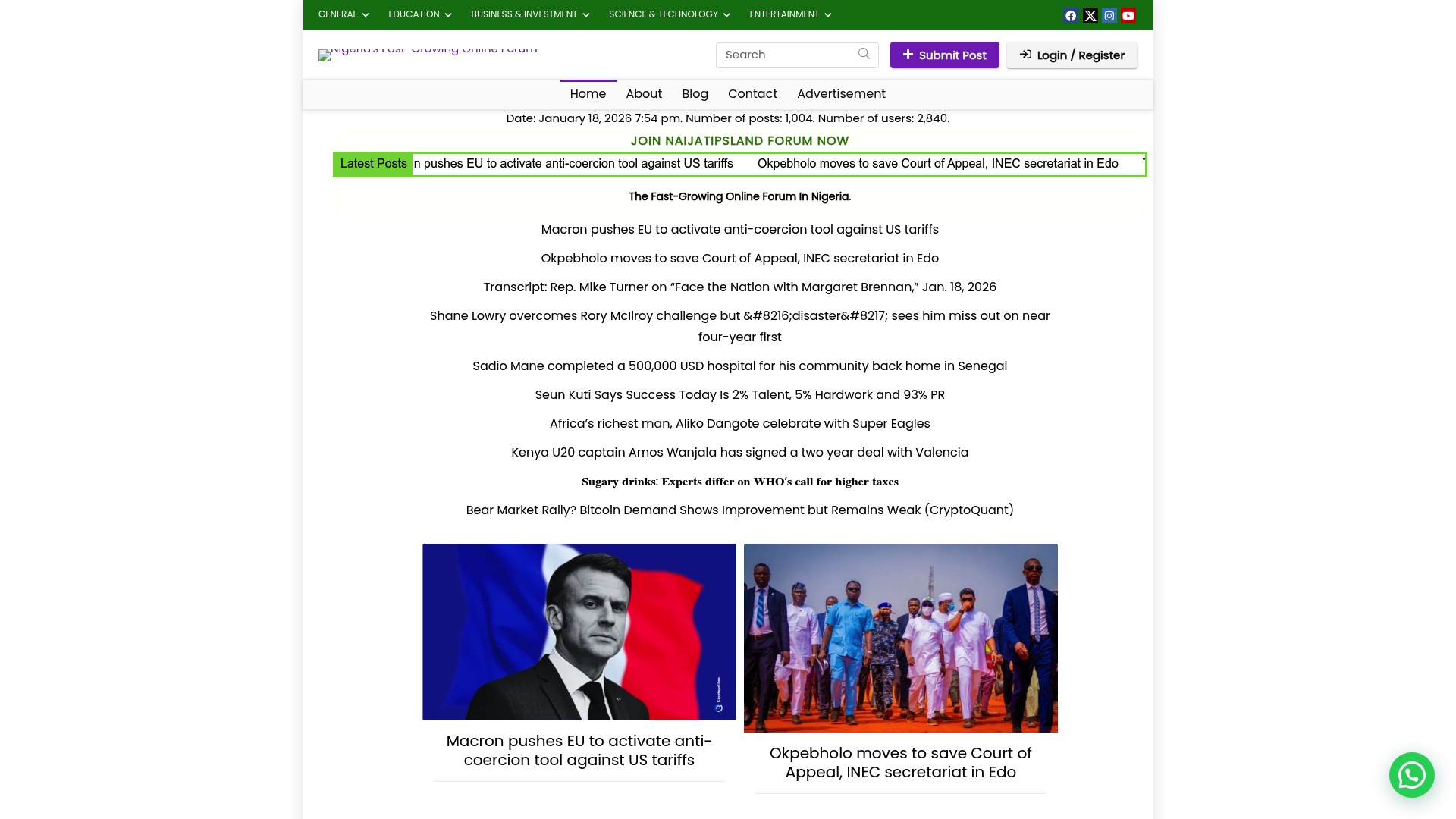
Start your journey today by visiting Naijatipsland.com and experience firsthand how a local online forum can keep you updated and entertained. Don’t wait to become a respected member of Nigeria’s leading community and news forum. Be informed. Be heard. Join now and take full advantage of the engaging conversations and connections waiting for you.
Frequently Asked Questions
How do I find the right online forum for news and fun?
Choosing the right online forum involves researching various platforms based on your interests and goals. Start by exploring forums that focus on topics you enjoy, and pay attention to their community dynamics and discussion styles to find the best fit.
What security measures should I take when registering for an online forum?
When registering, prioritize security by creating a strong password and only providing necessary personal information. Use a password that combines letters, numbers, and special characters, and ensure you verify your email to protect your account.
How can I effectively set up my profile on an online forum?
To set up your profile effectively, choose a clear profile picture, write a concise bio that reflects your interests, and select a memorable username. Regularly update your profile to keep it current and aligned with your evolving interests.
What should I do if I don’t receive the email verification after registering?
If you don’t receive the email verification, check your spam or junk folder, as it may have been filtered there. If the email isn’t found, return to the forum’s site to request a new verification link, typically available within a few minutes.
How should I approach participating in discussions on online forums?
Engage in discussions by reading existing threads to understand the community style, then contribute thoughtful comments or questions. Aim to add value to conversations and always maintain respect and professionalism in your interactions.
What are some common etiquette rules for participating in online forums?
Common etiquette rules include using appropriate language, quoting previous messages correctly, and proofreading your contributions. Familiarize yourself with the specific posting guidelines of each forum to ensure your participation is respectful and constructive.